


CabinCraft Installation Guides
Install with confidence
Practical installation guidance for seat protection, floor liners, organizers, phone mounts, charging accessories, interior technology, steering accessories, lighting, and everyday travel products.
PrepareClean and inspect the install area.
PositionTest fit before securing anything.
VerifyRecheck visibility, movement, and controls.

Start with the vehicle, not the accessoryGood installation begins by checking the surface, available space, movement, controls, and the way the product will be used every day.
Installation Map
Choose the cabin zone
Every installation starts in a different part of the vehicle. Use the intended zone to think through fit, attachment, clearance, visibility, and how the product interacts with nearby surfaces.
Front cabin
Passenger area
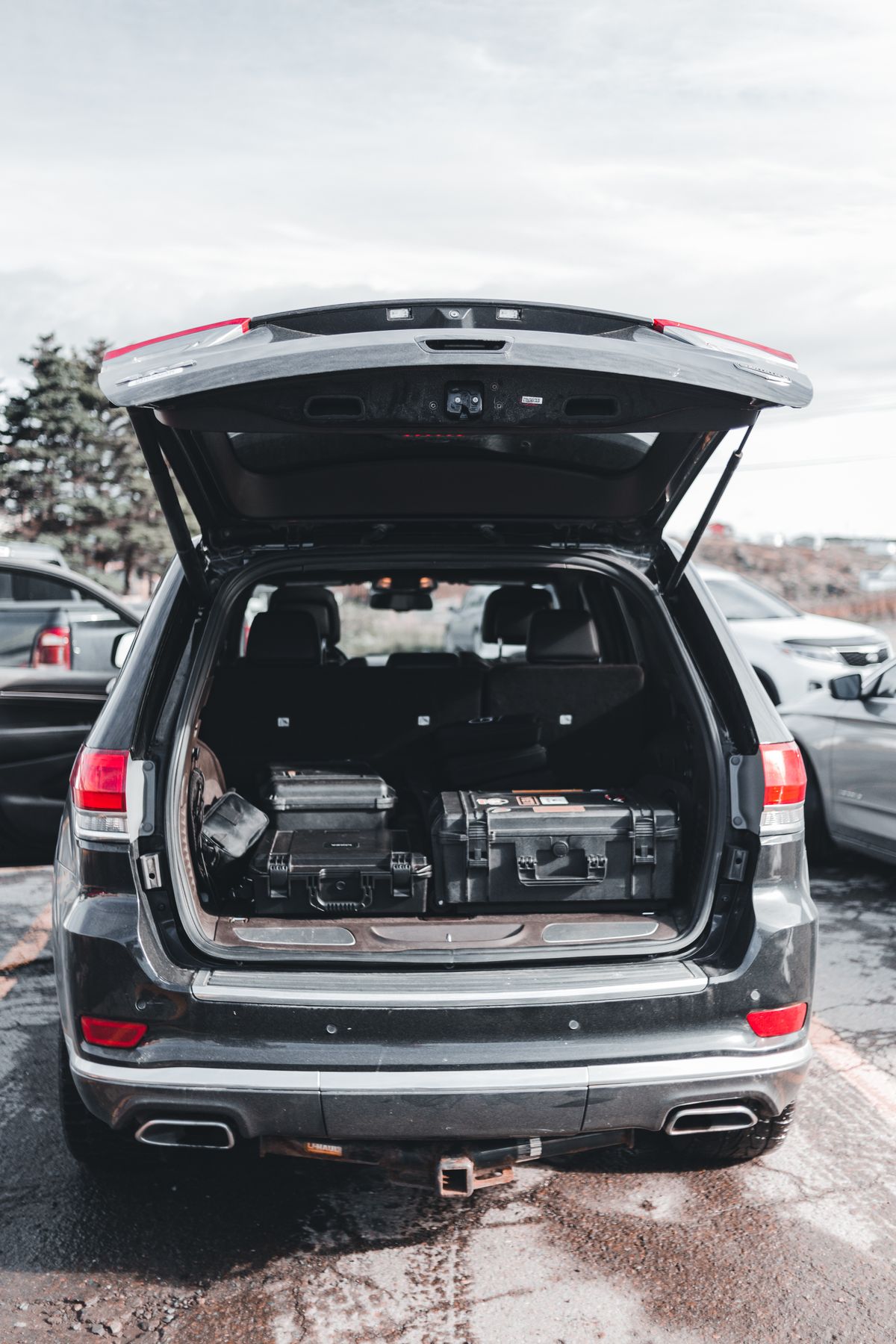
Cargo area

Seats & Controls
Fit soft accessories securely
For seat protection, comfort products, steering accessories, and related cabin upgrades, test the product in position before tightening straps, hooks, clips, or fitted edges.
01
Clear the installation areaRemove loose items and clean the surface so straps, clips, edges, and fitted sections can sit correctly.
02
Dry-fit before securingPlace the product in position and confirm orientation, seams, openings, seat movement, and access points.
03
Secure evenlyTighten or attach the product gradually so one side is not pulled out of alignment while another remains loose.
04
Recheck normal operationConfirm restraints, seat adjustments, steering movement, controls, and nearby surfaces remain unobstructed.
Phone & Power
Place tech where it works
Phone mounts, wireless chargers, charging cables, adapters, and in-car technology should stay accessible without blocking the road view, controls, vents, or normal movement inside the cabin.
MountingChoose a stable surfaceUse the mounting type the product is designed for and avoid surfaces that flex, move, or cannot hold the accessory securely.
VisibilityKeep the road view clearPosition screens and devices where they are easy to glance at without creating an unnecessary obstruction.
PowerConfirm the connectionMatch the charger, cable, socket, or adapter to the device and intended power source before routing cables.
CablesRoute away from controlsKeep cables clear of pedals, steering movement, shifters, handbrakes, seat tracks, and frequently used controls.


Storage Systems
Build storage around movement
Console organizers, seatback storage, seat-gap accessories, hooks, and cargo organizers should make the cabin easier to use without becoming another source of obstruction or movement.
ConsoleProtect control accessKeep buttons, ports, cup holders, shifters, and lids usable after the organizer is installed.
SeatbackCheck passenger clearanceConfirm straps sit flat and stored items do not press uncomfortably into passenger space.
Seat gapTest seat movementMove the seat through its normal adjustment range and confirm the accessory stays stable.
CargoAnchor before loadingSecure trunk and cargo organizers first, then add items while keeping access points and closures usable.
Accents & Lighting
Install details with restraint
Trim pieces, ambient lighting, door-sill accessories, steering details, and small interior accents look more premium when alignment, cable concealment, and surface preparation are handled carefully.
Surface prep
Start clean and dryRemove dust, residue, and surface oils before attaching trim pieces, adhesive accents, or lighting components.
Alignment
Mark the position firstDry-fit the product and check symmetry, panel gaps, door movement, and sightlines before fixing it permanently.
Cable path
Keep wiring discreetRoute lighting cables away from moving controls, sharp edges, pedals, seat tracks, and areas that pinch or flex.
✓
Nothing blocks your viewPhone mounts, screens, organizers, and accents should not create unnecessary visual obstruction.
Check✓
Controls remain fully usableButtons, vents, pedals, shifters, handbrakes, steering movement, and seat controls should work normally.
Check✓
The product stays securePress, pull, open, close, or move the surrounding area gently to confirm the installation stays in position.
Check✓
Cables and straps stay clearLoose routing should not reach moving controls, seat tracks, pedals, door mechanisms, or passenger feet.
Check✓
Passengers keep normal spaceBackseat organizers, hooks, comfort accessories, and storage should not compromise normal seating or access.
Check✓
Recheck after the first drivesAfter using the vehicle, confirm that fasteners, mounts, straps, liners, and fitted accessories have not shifted.
CheckNeed installation guidance?
For a question specific to a CabinCraft product, vehicle, mounting area, fitment, cable route, attachment method, or installation concern, share the relevant details so the support team can help you identify the clearest next step.
Installation Desk
Contact CabinCraft
Back to page top ↑